HotShot MD FAQ
If you don't see the question you had in mind here, feel free to enter in the form provided along with your email address so we may send the reply directly to you. Thanks for your participation!
Can I use the HotShot MD with a condenser microphone that requires 48V phantom power?
No, the HotShot MD is only compatible with dynamic microphones. Applying 48V phantom power to any of the channels of the HotShot MD would cause switching noise to occur whenever the microphone is routed to the B or C destinations. If you require a condenser microphone switcher, we recommend the Radial HotShot 48V, which is designed specifically for this application.
Can I send the microphone to both the B and C outputs at the same time?
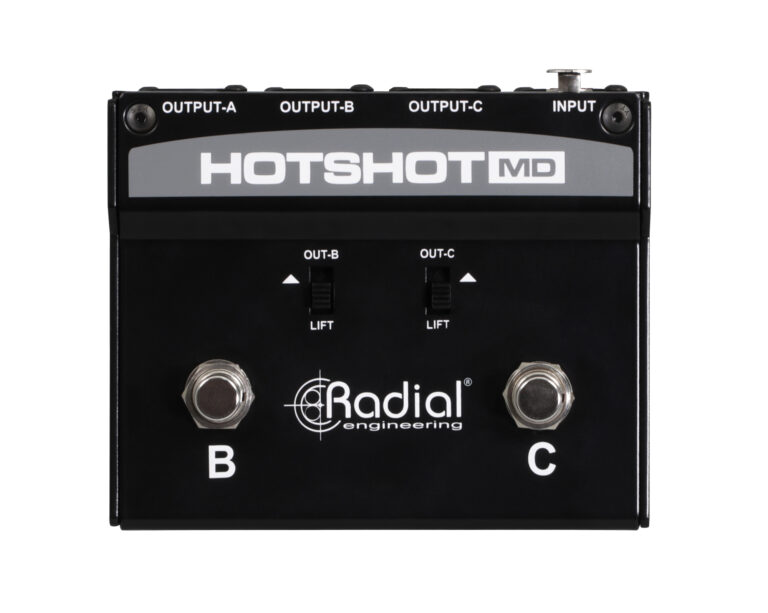
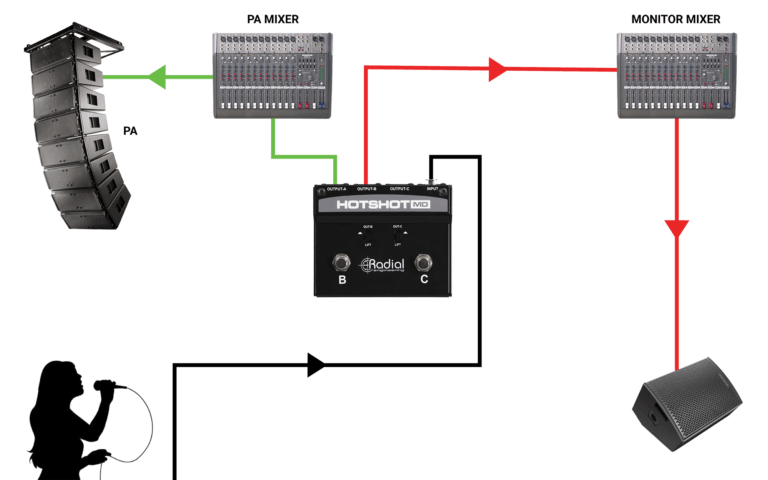
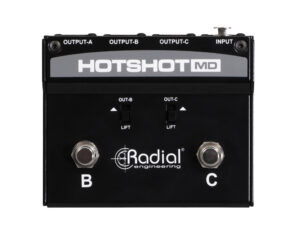
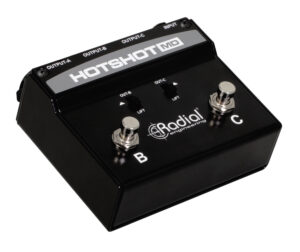
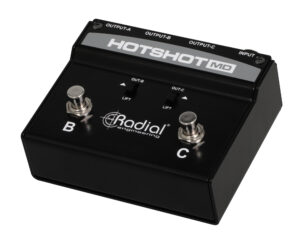
Yes, if you press both footswitches down simultaneously, your microphone will feed the B and C outputs, while muting output A.
Will the HotShot MD affect the performance of my vocal mic?
Not at all. The HotShot MD is designed to be as transparent as possible, so the signal integrity of your vocal mic is preserved, with no difference in sound quality.
Do the outputs of the HotShot MD have to be sent to three different consoles?
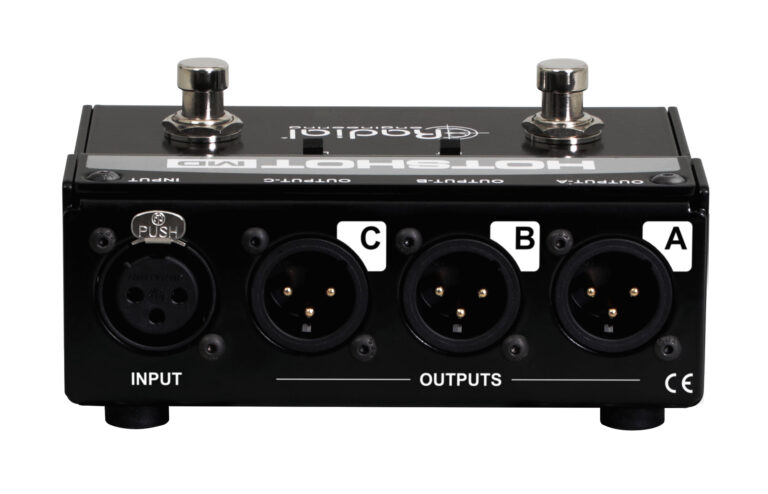
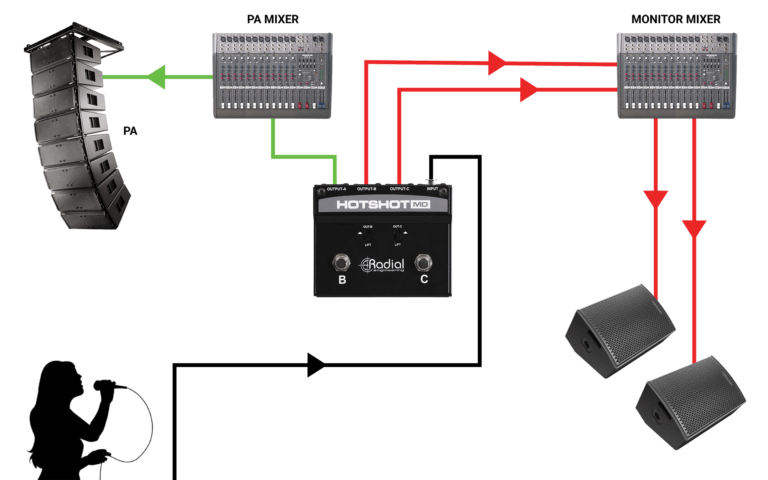
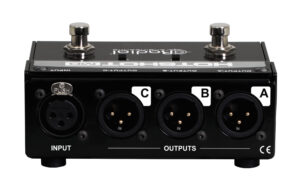
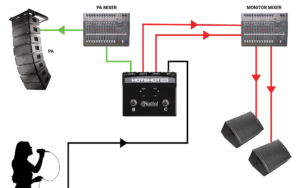
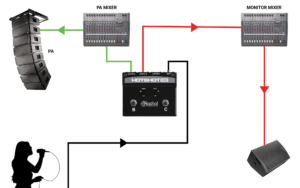
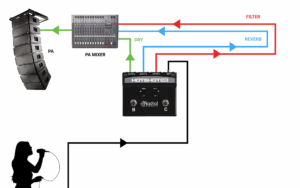
Sending the HotShot MD outputs to three separate destinations is one example of how it can be used, but you can also use it to send signals to multiple channels on the same console. For instance, output A can feed your clean vocal mic channel, while output B feeds an FX channel that the singer can activate for the chorus, and output C feeds another channel on the same mixer that is routed back to the band’s in-ear monitors for communications.
I’m getting a popping sound through the PA when switching, how can I eliminate this?
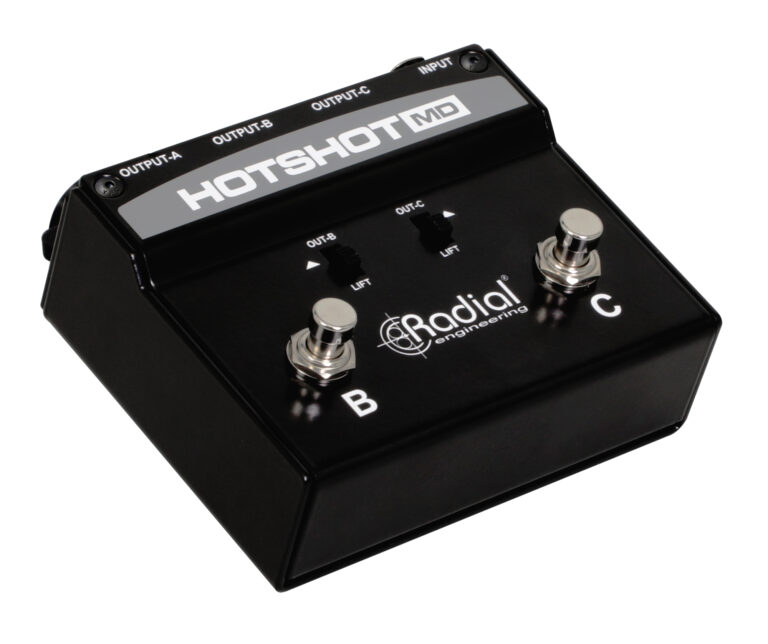
The most common cause of popping through the HotShot MD is when 48V phantom power is applied to any of the outputs. Make sure to use a dynamic microphone, and ensure that 48V is turned off on each channel that the HotShot MD is connected to. You can also try engaging the ground lift switches for the B and C outputs. If you are experiencing popping and have effects processors connected to the outputs of the HotShot MD, try removing them from the signal path: if this removes the popping sound, we recommend connecting them to the insert points of your mixer.
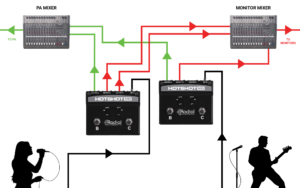
Can the HotShot MD be used in a setup that already employs the HotShot DM-1 or HotShot 48V?
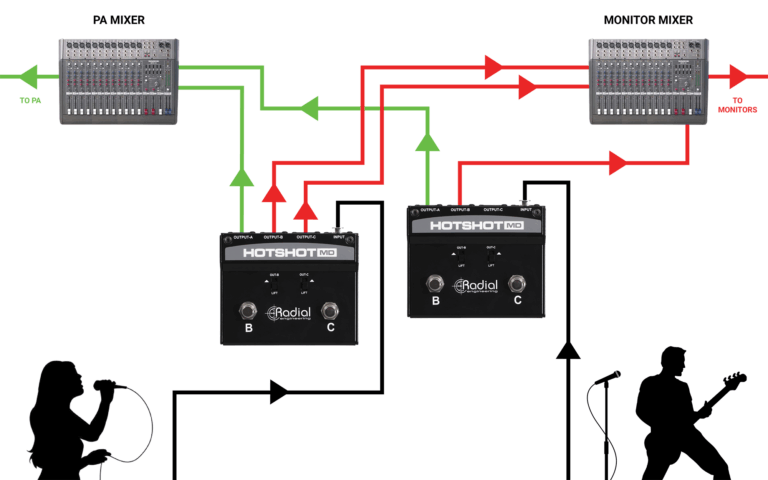
Absolutely, you can mix and match HotShot units on stage to best suit the needs of your performers and technicians. Some band members may only have the need to talk to a single ‘band communications’ channel, while others may want to also have a direct line to speak to the monitor engineer.
Can I use the HotShot MD to reroute line-level signals instead of a dynamic microphone?
Yes, the HotShot MD can also be used to reroute balanced line-level signals. Simply connect the line level output of your device to the HotShot’s input and you can reroute it between three separate destinations as needed.
Got a question you'd like to ask?