Key Takeaways
- Front-end tone shaping beats ‘fix it in the mix’ approach
- Better source tone = faster, easier mixes
- HDI controls interact like console fader controlling EQ, saturation
- Small front-end moves, multiple mix options
- Inspiring tone at source improves performances
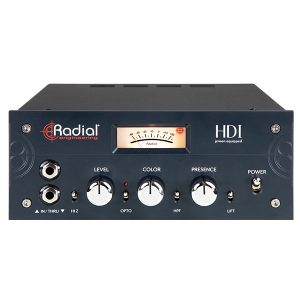
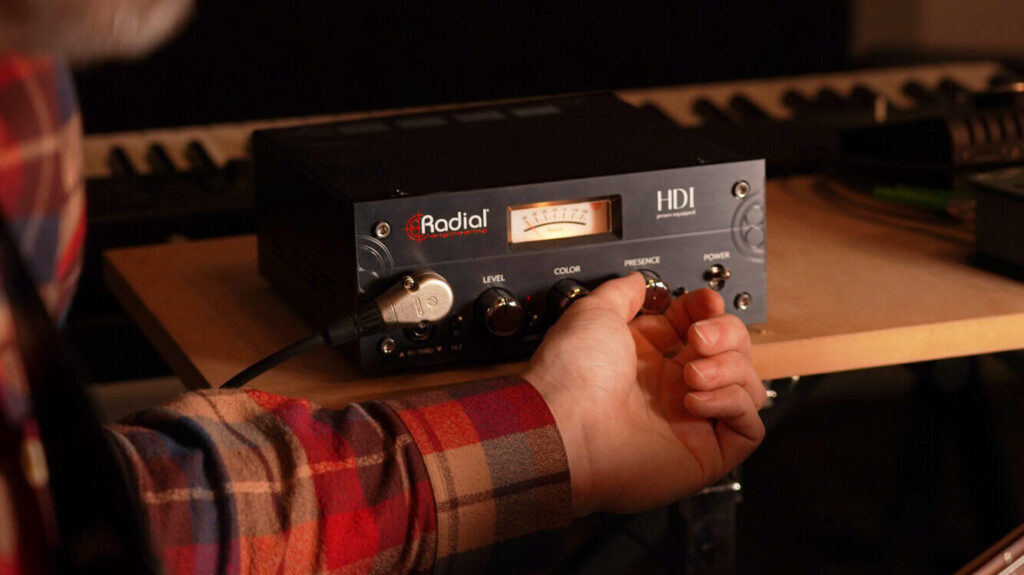
Although the HDI was initially conceived of as a studio-specific DI, it soon evolved into a full-fledged instrument preamp, built specifically to sit at the front of your chain and let you shape tone with intention.
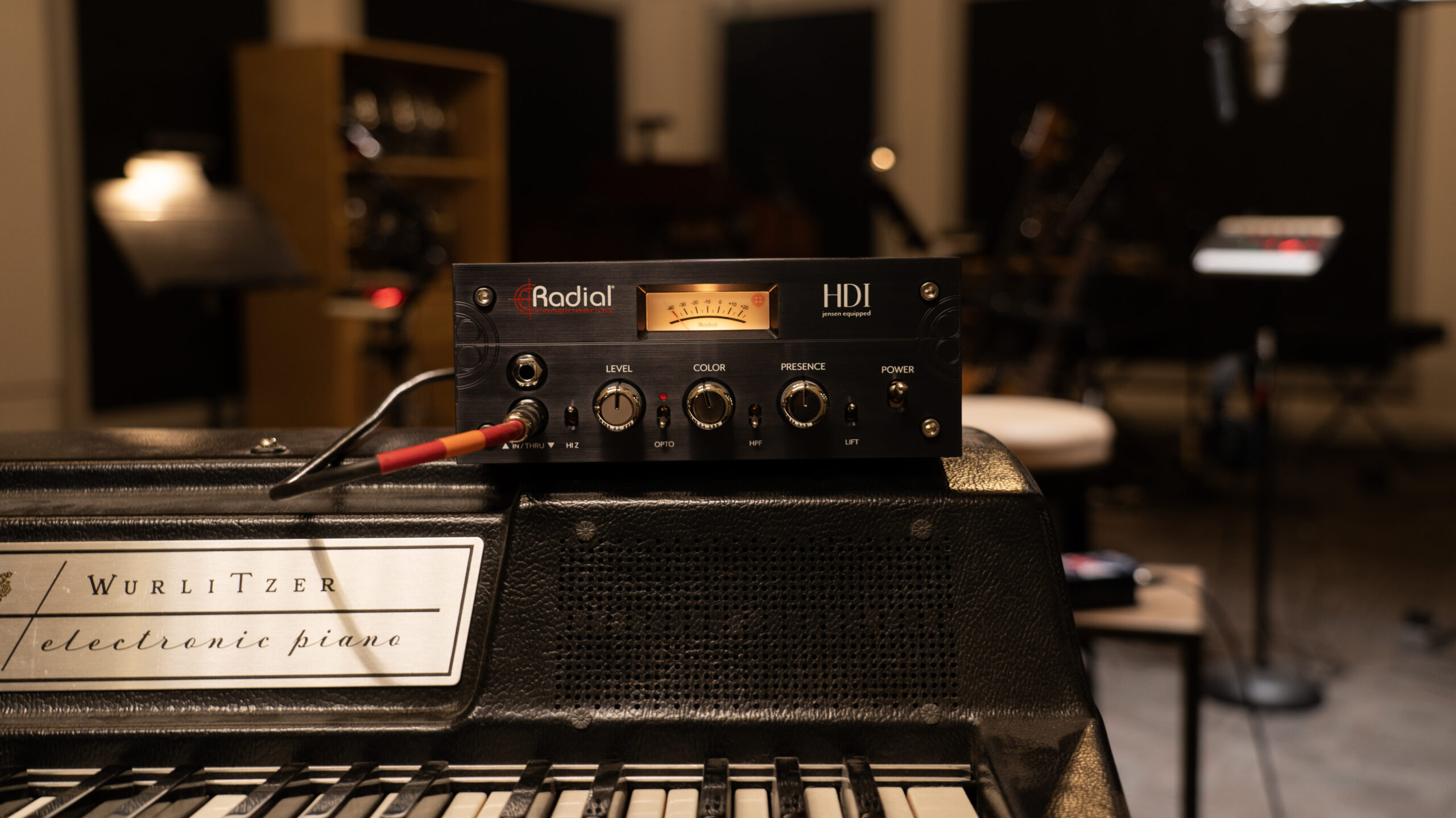
Think of the HDI as a tool that allows you to experiment with a sonic ‘recipe’ but one that, if you’ve added or removed too much of one ‘ingredient,’ allows you to adjust the ‘taste’ at any point in the process of ‘cooking’ a given track or mix.
Whether you’re working in a commercial or home studio, ample flexibility at the front end of your signal chain can heavily impact how quickly you get from inspiration to an ideal track, without losing yourself in endless plug-in menus.
One Box, Four Mixes: Why the Front End Matters
If you’ve ever tried to fix a lifeless-sounding instrument part late in the game, you know the ‘well, it’s not quite right, but we’ll fix it in the mix’ approach can be frustrating and time-consuming. Often that involves scrolling through plug-in settings hoping you’re getting closer to the sound you heard in your head, but knowing you’re losing perspective with each passing minute.
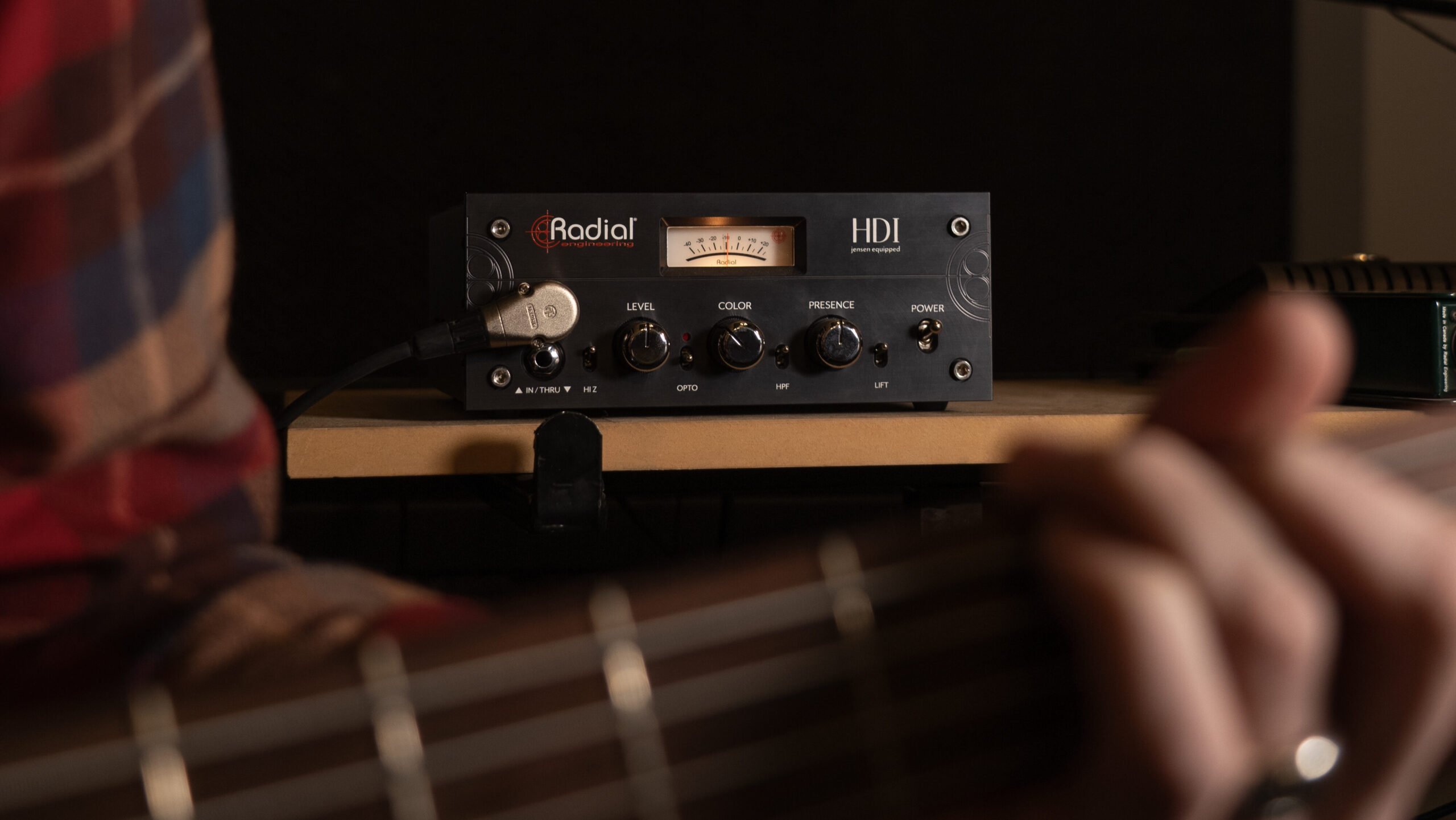
The HDI was designed specifically to address that. Featuring a simple, powerful feature set and equipped with premium, oversized custom-wound Jensen transformers, it allows you to capture a sound that inspires, rather than wasting time and energy artificially manufacturing ‘vibe’ after the fact.
Level Meets Color: A Simple Panel with a Lot Going On
The HDI offers a simple control surface and a lean feature set – controls that interact in a way much like a console channel feeding a musical saturation stage, allowing you to put meat on the bone (or remove it) in multiple genres quickly, intuitively, and powerfully.
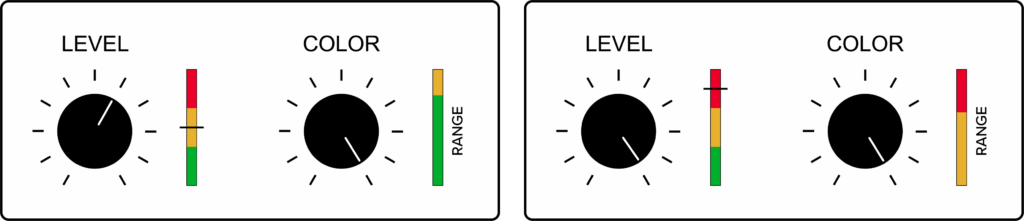
Even small front-end Level and Color adjustments can change transient shape, low-end focus, separation, loudness, and, ultimately, a sound’s mix position, offering a granular level of control without the hassle of scrolling through plug-in menus/pages.
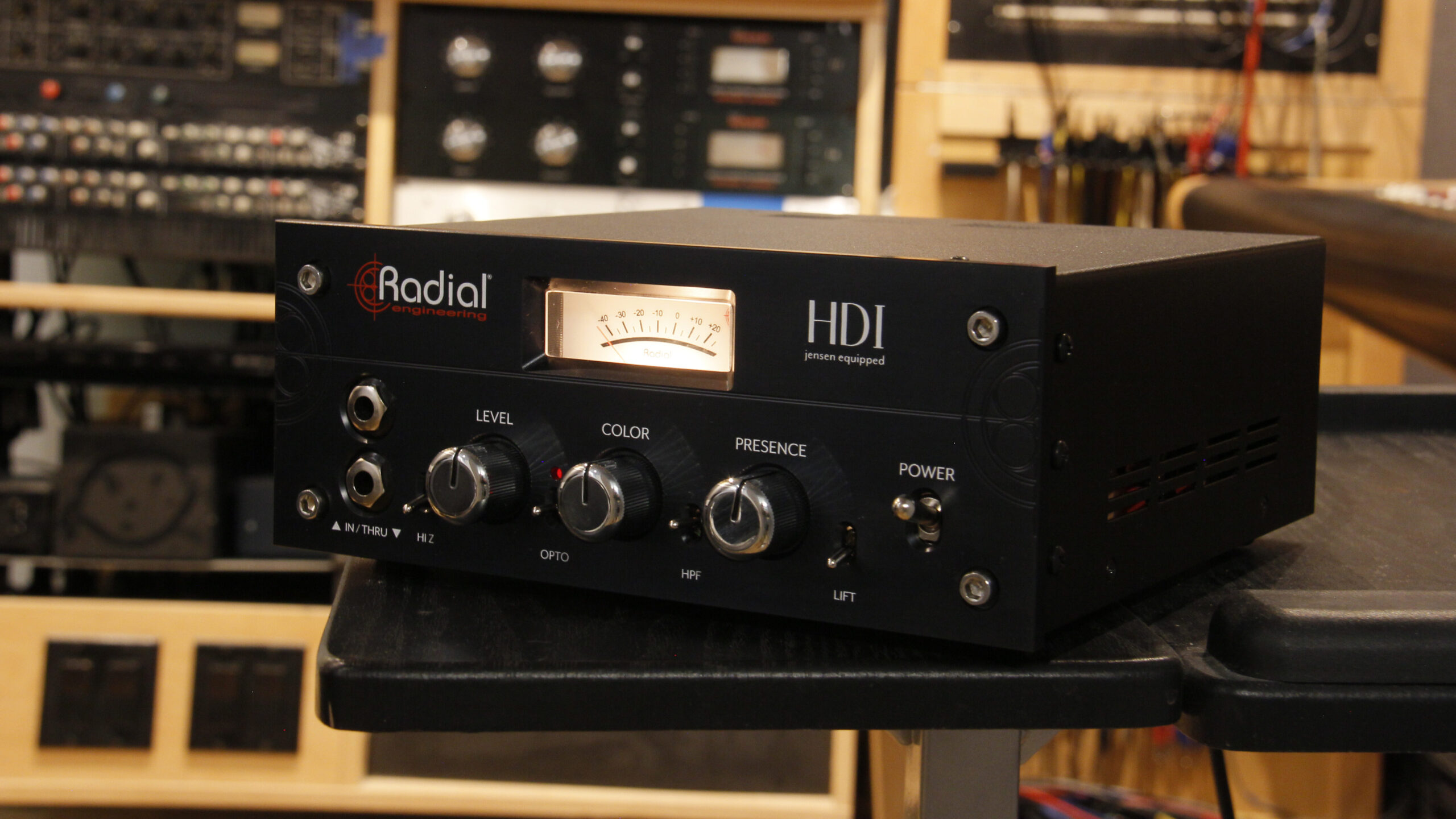
At the heart of that effort is the interaction between the HDI’s Level and Color circuit controls:
- Level acts as both input trim and drive going into the unit’s opto compressor, transformers, and Color stage. Cranking it up raises the level but also controls how hard a signal hits the HDI’s opto compressor, transformers, and Color stage.
- Small Color knob adjustments allow you to go from ultra-clean transparency to harmonically rich tones with amp-like saturation.
- With Color set lower, Level behaves like a straightforward gain control.
- With Color pushed higher, the Level knob acts like a drive control, providing richer harmonic content and additional low-frequency energy.
- Presence rounds things out. Bringing in high-frequency detail and allowing you to soften a tone when hitting Color hard, or add snap to attack for a cleaner tone.
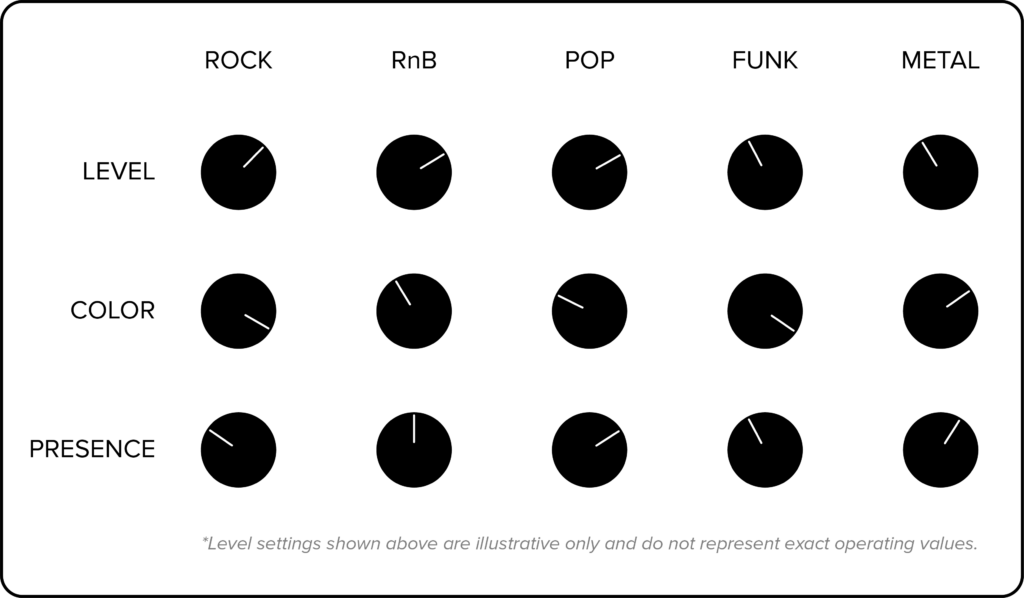
By shaping Level, Color, and Presence at the source, the result is a front end where small changes in one control influence all the others – a bit like adjusting level, EQ, and/or saturation on a console channel but with a much shorter learning curve and in one move.
What to Listen For: Transient, Low End, Loudness, Separation,
Essentially, the HDI provides a fast, hands-on way of doing what you’d normally have to do later with EQ, compression, and saturation. But, critically, at the front end, to your specific taste, whatever genre you’re working in.
- Transient shape
- Use Level + Presence for clear or rounded transients depending on style (funk/rock vs. R&B/pop).
- For parts requiring clarity and detail (a fast funk line or intricate rock riff), adjust Level and Presence until you can hear each note start clearly. With Color, adjust the grit on the attack. For a smoother, but still well-defined attack, back off slightly on Level.
- Low-end focus
- Pushing Level (especially with higher Color) adds low-frequency weight.
- Perceived loudness & Note separation
- Color + Presence + Level balance control note separation and perceived loudness, so parts stay articulate and forward without sounding overly processed.
Using HDI Controls Across Genres/Callout Box: “Feeding Color with Level”
Gain Staging the HDI: A Quick Cheatsheet
To keep things musical and consistent, it helps to approach the HDI with a simple gain staging routine:
- Set instrument output to an optimal range.
- Bring up Level until the transient’s attack and overall loudness are where you want them.
- Set Color to taste for the amount of breakup and harmonic character you’re after.
- Adjust your interface input until you have a healthy amount of headroom without clipping (in roughly the −14 to −10 dBFS zone).
A Tactile Tool for Players and Producers
Just like a vocalist sings differently when they hear a bit of reverb in the headphones, players respond to how the HDI feels under their fingers. Hearing something that’s already close to “record-ready” while tracking—rather than a plain, flat DI they hope will be fixed later—encourages bolder, more confident takes.
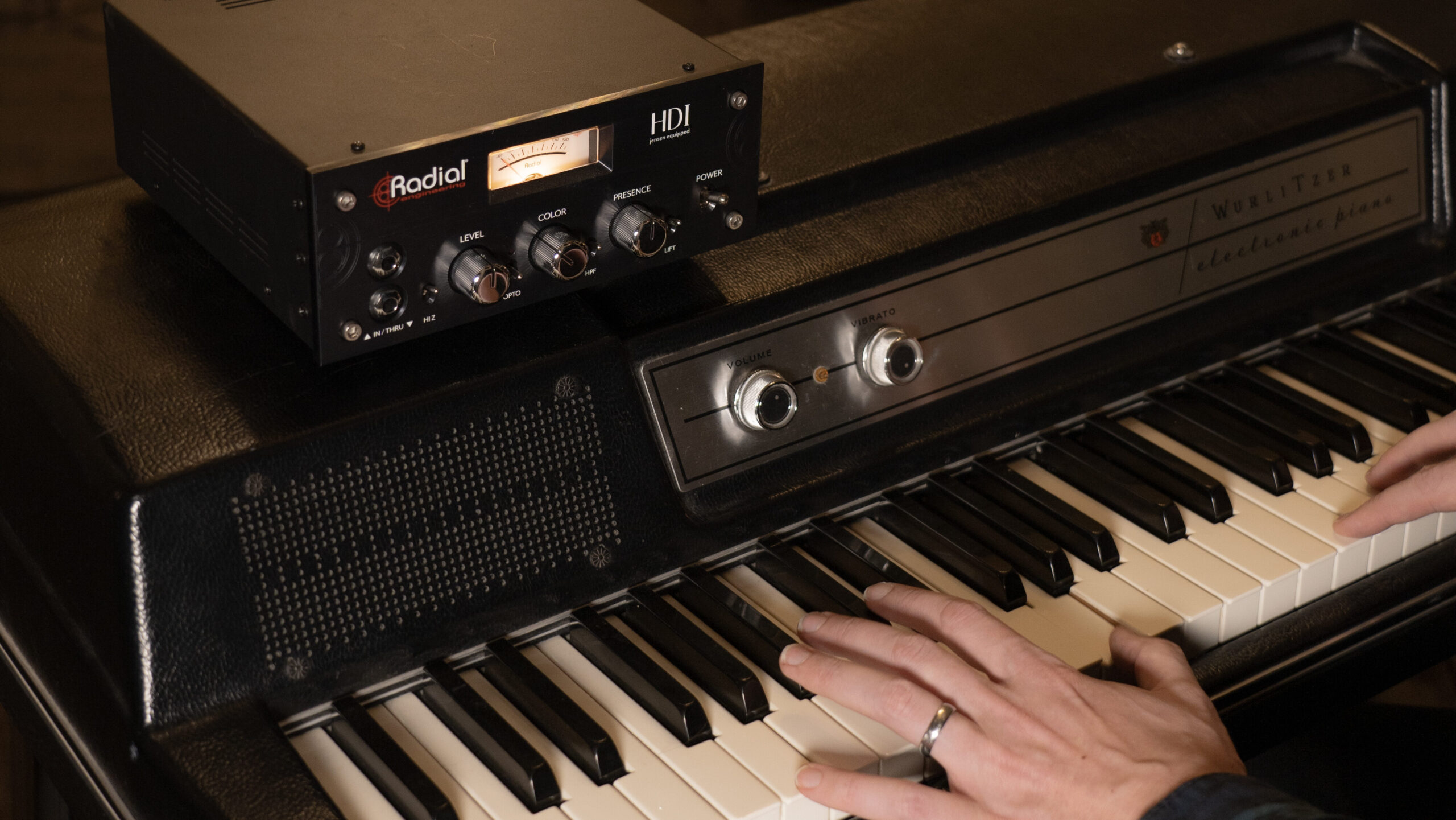
For producers and engineers, that same immediacy is a time saver. Instead of swapping out instruments, rearranging pedal chains, or moving a mic an inch at a time, they can: use the HDI to set the core character of the instrument; make small adjustments to Level, Color, and Presence as the song takes shape.
Again, to go back to the recipe analogy:the HDI is a straightforward tool for adjusting the ‘flavour’ of a track and song: adding a bit more ‘salt’ with Level, a touch more ‘acid’ with Presence, more ‘body’ using Color – at any point in your process without ever having to start over and throw the whole pot of ‘soup’ away.
For an in-depth look at the design philosophy behind the HDI, check out this interview with lead Radial designer, W.C. “Hutch” Hutchison
Stay True to Your Music – Set Intent at the Source
Visit RadialEng.com to find out more about how to use the HDI as a tone lab to create record-ready sounds while you track, and see how much faster your mix comes together.