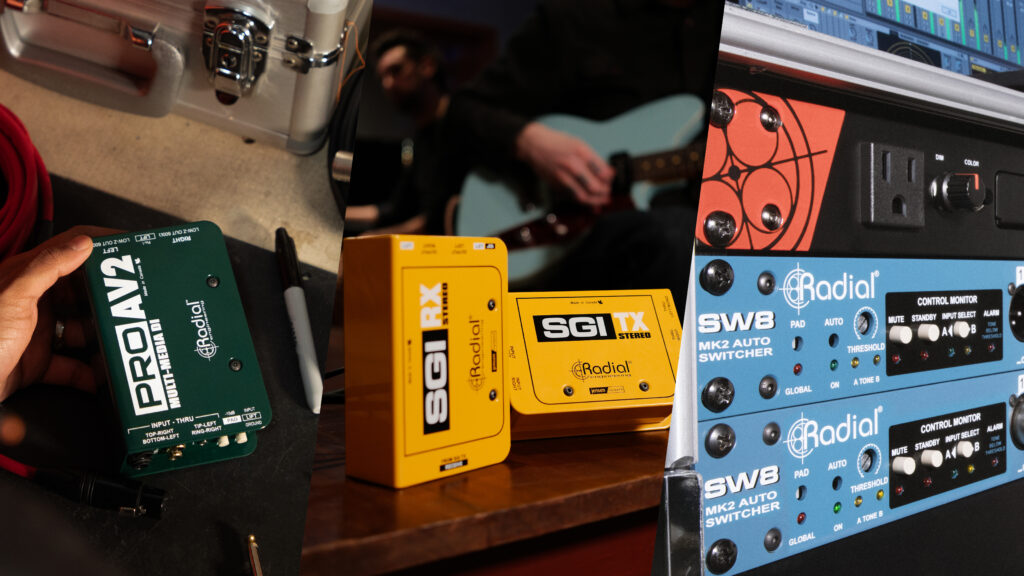
Connections, Signal, Redundancy: Three Pillars of Failure-Proof Systems
To build a reliable system, prioritizing connectivity, signal integrity, and redundancy helps prevent performance issues in any application.
Whether you’re assembling a touring rack, prepping a system for deployment/install, or setting up a playback rig, dependable audio comes down to asking one core question: “Where could this system fail, and what can I do right now to prevent or handle it?”
Naturally, like choosing individual components, this process requires intentional decisions about:
- How sources and destinations are connected and how signals are converted and distributed
- If gain and levels are appropriate and any noise/grounding are handled
- Whether the routing is easy enough to understand that others (if, say, you’re an engineer or musician and already have your hands full) can easily isolate faults and take steps to deal with a critical component/system failure.
Pillar #1 – Connections: Can and does every part of the system connect predictably?
Proactive planning before deployment saves you from reactive panic before and/or during shows and sessions.
To evaluate connectivity, consider:
Gain Staging & Impedance
Are high-impedance instruments, line-level playback devices, and low-impedance mic preamps properly interfaced to avoid tone suck, distortion, or unacceptably low output levels?
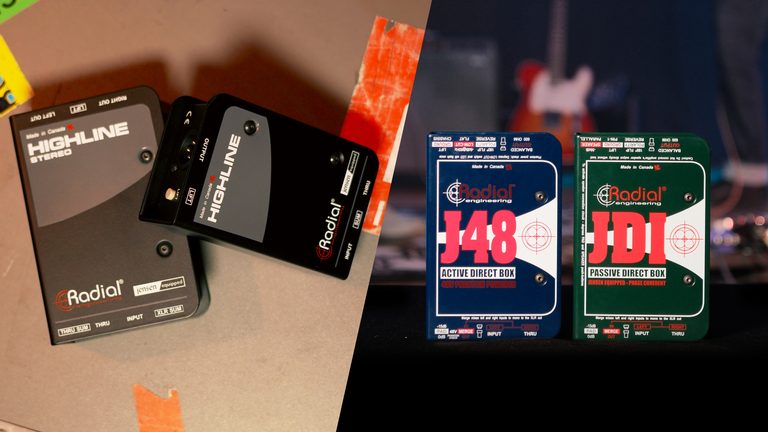
Maintaining signal integrity is essential when routing audio between different equipment. When unbalanced, high-impedance (Hi-Z) instrument signals travel over long cable runs (typically anything more than 20 feet), high-frequency signal loss and roll-off from capacitance become issues. To avoid tone loss and noise, use dedicated tools like DI boxes to convert unbalanced signals into balanced, low-impedance signals that can be delivered over long cable runs without compromising the audio quality.
Other issues like distortion can occur when connecting line-level playback sources to other devices that might not have enough headroom to handle the incoming signal. This issue can also be mitigated by taking care to use the appropriate input type on each device in your signal chain, or by using gain-staging to ensure your levels don’t push into the red at any stage.
Grounding & Isolation
Do you have devices in line that protect your signal from ground loops and noise?
Ground loops often occur when audio equipment is connected to separate or distant power circuits. Transformer-isolated devices break these loops and prevent hum and buzz.
Physical Connectivity
Are all your cables, connectors, and connection points solid, durable, and streamlined?
To avoid issues, high-quality cables are worth every penny. So are devices that offer multiple connection options, like 3.5mm, RCA, 1/4″, XLR, and Ethernet, as required, eliminating weak points that strain cables or connections and jury-rigged, multi-adapter connection points. For added security, devices with locking connectors are ideal.
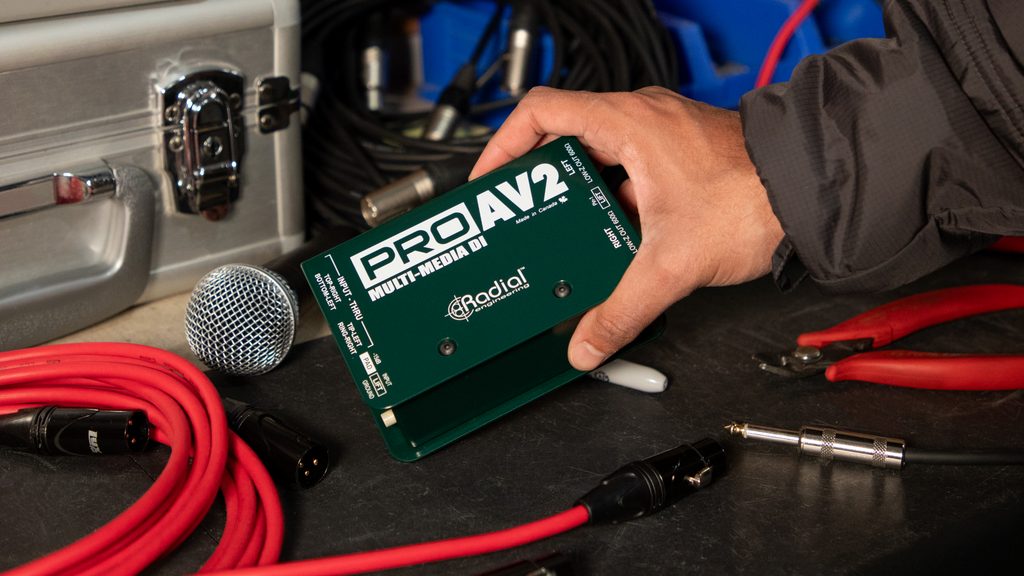
Example Application & Challenge: Connecting laptops, tablets, and media players to pro audio systems quickly, seamlessly, and noise-free.
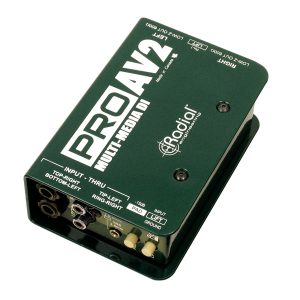
Solution: ProAV2 Stereo Multimedia DI
Pillar #2 – Signal: Can you trust your signal from your source on out?
Will the active DIs in your rig provide enough headroom and handle transients well, particularly for high-output instruments like active basses or digital keyboard rigs that are prone to clipping?
Are your passive DIs, line isolators, and splitting devices equipped with high-quality, high-performance transformers to ensure phase coherence, maximum bandwidth, and isolation, particularly over long cable runs?
Wherever possible, consider devices that are designed specifically for a given source and/or situation. While there can be significant overlap in the tools you’ll need, deploying dedicated devices like an instrument- or source-specific DI, line isolator, or preamp helps, as does leveraging connectivity over Ethernet, Cat5, and/or, when applicable, Dante/AES67 compatible devices.
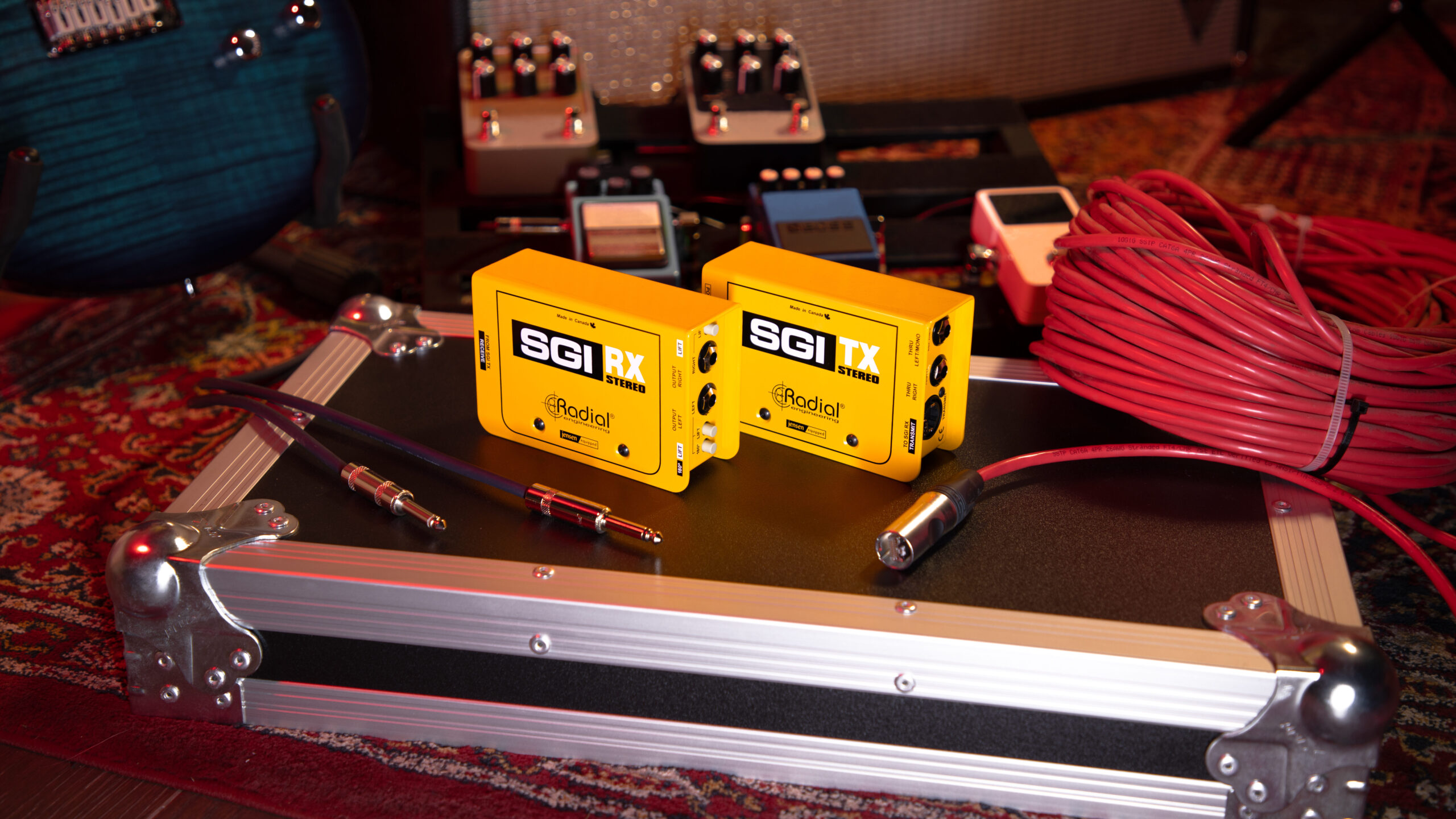
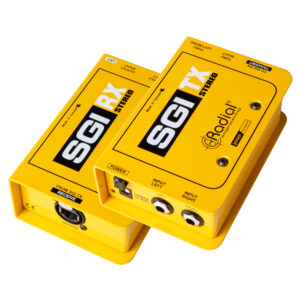
Example Application & Challenge: Ensuring noise-free, true-tone over long cable runs to off-stage/remote amp rigs.
Solution: SGI Stereo Instrument Line Driver
Pillar #3 – Redundancy: What happens when something fails?
Having spare equipment on hand isn’t the same as creating a redundant system. Having the tools and a strategy in place helps you recover from failures quickly, predictably, and without anyone noticing.
Granted, duplicating every element and connection in a system isn’t always physically possible or financially feasible. That’s why redundancy is too often considered late in the game and/or implemented on a case-by-case basis. I.e., something fails. You find a fix. Then move on.
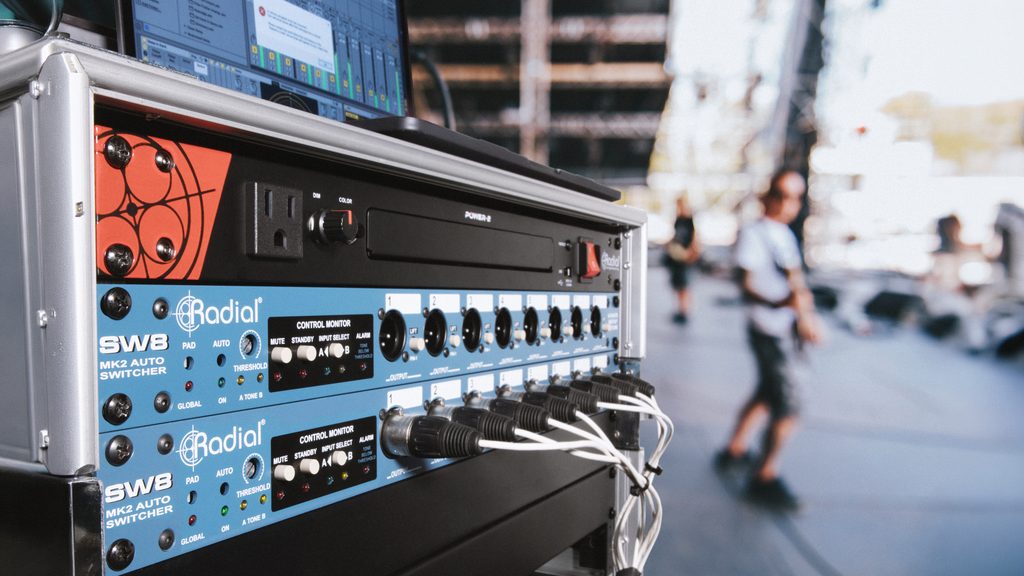
But evaluating system redundancy during the design process is key to avoiding potentially show-stopping consequences. I.e., the loss of complex, mission-critical sources like computer-based keyboard and playback systems, guitar rigs that incorporate amp simulators and processors (that often go direct to the PA), and the like.
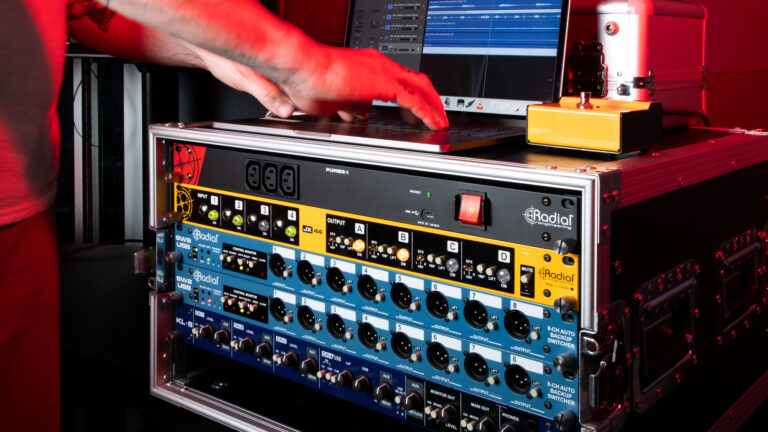
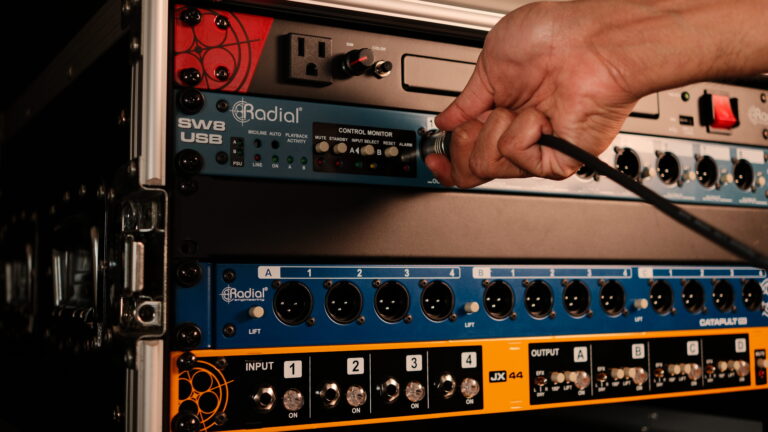
Deploying duplicate playback systems/sound sources with a seamless switching solution is critical: the more comprehensive, the better. I.e., devices offer silent cueing through headphones and dual power supplies.
Challenge: redundancy and seamless switching for laptop-based playback systems and sound sources.
Solution: SW8-USB USB Interface & Auto-Switcher
An Ounce of Prevention is Worth a Pound of Cure
Designing a reliable system isn’t about hoping for the best (or even just preparing for the worst); it’s about removing guesswork around connectivity, signal integrity, and redundancy before the system is put under pressure.
Looking for a solution to ensure reliable connectivity, signal, and redundancy? Discover the difference that dedicated problem-solving devices make! Visit RadialEng.com.