Hybrid Workflows = Pro Results:
During recording sessions, the more options you can capture, quickly and cleanly when tracking, the more likely you’ll capture a mix-ready tone. That’s why many guitarists prefer a hybrid rig, incorporating amp/pedal simulators, DAW plug-ins, and analogue amplifiers and pedals.
Analogue pedals provide warmth, dynamic response, and tactile control, while amp sims deliver consistent, easily recallable tones with endless variety – the best of both worlds in terms of flexibility and authenticity.
Adding a Reamp unit extends the functionality of a hybrid setup, offering even more creative versatility and convenience, allowing you to track clean and effected takes simultaneously, blend analogue and amp sim sources without compromising tone, and experiment endlessly.
Hybrid: This is how today’s pros record smart and stay true to their sound:
Recording is a distraction-rich, dynamic process. Consequently, even when you’re laser-focused (and in some cases because you are), technical issues and mistakes happen that may not be noticed:
- Noise from a source or individual pedal/device that isn’t as prevalent as others in your listen mix.
- Incorrect mic placement and/or mics ‘drooping’ because the stand isn’t tight enough.
- Loose cables, a faulty connection, random glitches with no discernible cause.
- Human error – dialling up the wrong amp sim patch, forgetting to power up a device.
Even if someone’s nailed a perfect performance, imperfections from errors can make it unusable. Hybrid systems ensure you capture a ‘safety’ track to work from.
Why Amp Sims Need a Boost:
External amp sim pedals sound great, but getting that sound into your DAW cleanly isn’t always easy.
Amp and pedal sims deliver convincing recreations of physical devices, but their outputs aren’t always optimised for direct recording. Impedance mismatches, noise, and level differences may degrade clarity. Additionally, ground loops or improper gain staging can introduce hum or distortion. Using a quality DI and Reamp box maintains signal integrity, matches levels between the sim and an audio interface.
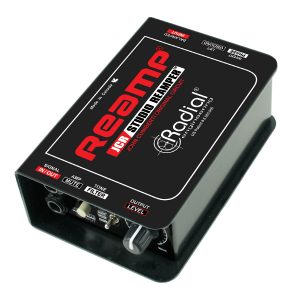
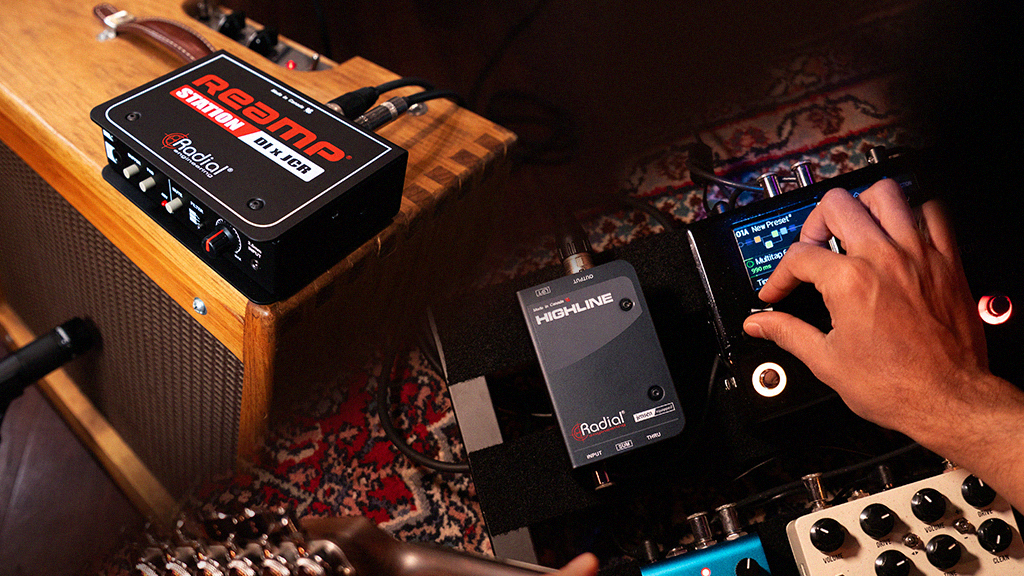
A hybrid setup not only streamlines the capture of multiple sonic flavours, it also allows you to add more spice down the line, take certain ingredients out, or cook the whole business over again as needed.
Real pedals inspire tone shaping:
Hybrid workflows fix that by bridging the studio signal path with player-centric gear.
Manipulating a physical pedal while performing adds personal, real-time nuance that sets performances apart, provides options to blend and reamp later, and helps capture the right take, even if it’s not the right sound.
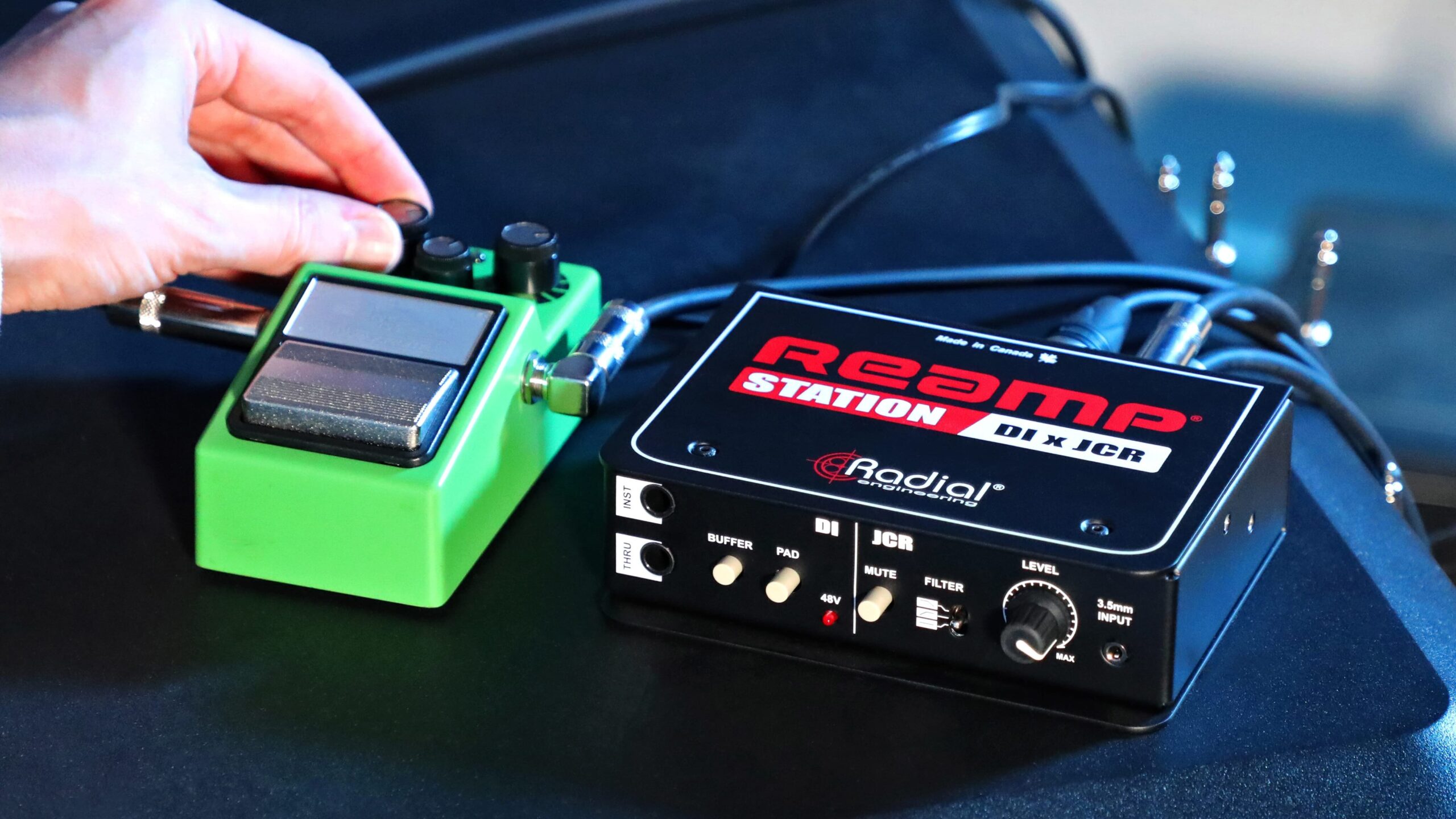
Track Clean. Reamp Later. Stay Creative.
Blend digital flexibility with the warmth and character of real analogue gear.
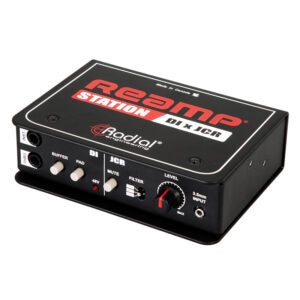
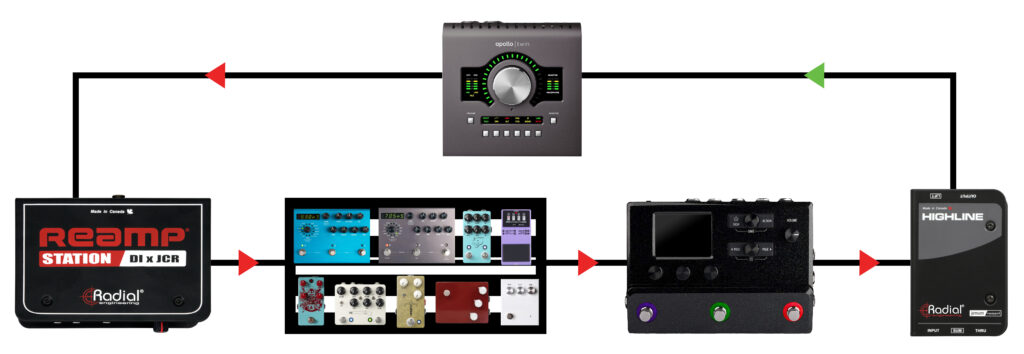
- Start by plugging your guitar into a DI box (or utilize the DI function of the Reamp Station) to send a clean signal to your audio interface for recording provided
- From your DAW, route that recorded DI track out through the Radial Reamp Station’s line input.
- The Reamp Station is two tools converts from line to instrument level and sends it to your analogue pedals just like a line straight from your guitar.
- From pedals, feed your signal into your hardware or software amp sim input.
- Finally, send the amp sim’s output to your interface to capture the processed tone.
The Benefit: Tone-shaping freedom after tracking
The clean signal from the DI can be used on its own, as a reference track or ‘safety net,’ and a track to Reamp.
Simultaneous capture of the DI track, and processed analogue and amp sim sound allows you to use, reuse, reamp, or re-record any single or combination of takes at will, whenever you like.
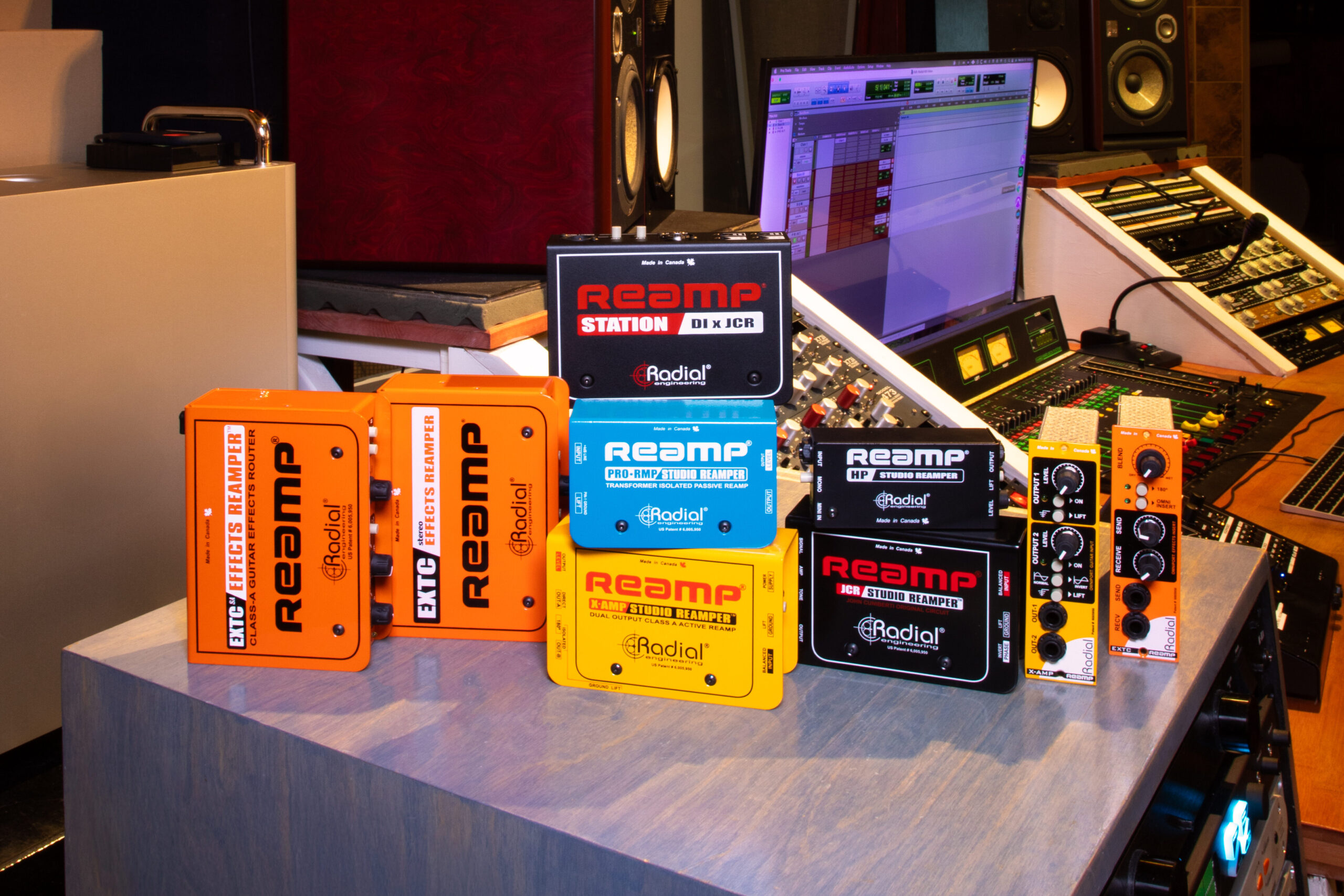
Radial Reamp boxes match impedance and level perfectly – no tone loss, no hiss, ensuring perfect impedance and level matching in and out of your interface. This preserves your tone, eliminates hum and hiss, and prevents harsh or dull playback on Reamp tracks. The result: clean, consistent, noise-free signal capture and playback with zero loss of dynamics or clarity.
Use External Amp Sims Right: Highline to the Rescue
No two recording spaces are alike. Noise can sneak up on you from various sources. Additionally, many amp/pedal sims output unbalanced, instrument-level signals, which can cause hum, noise, and level mismatches.
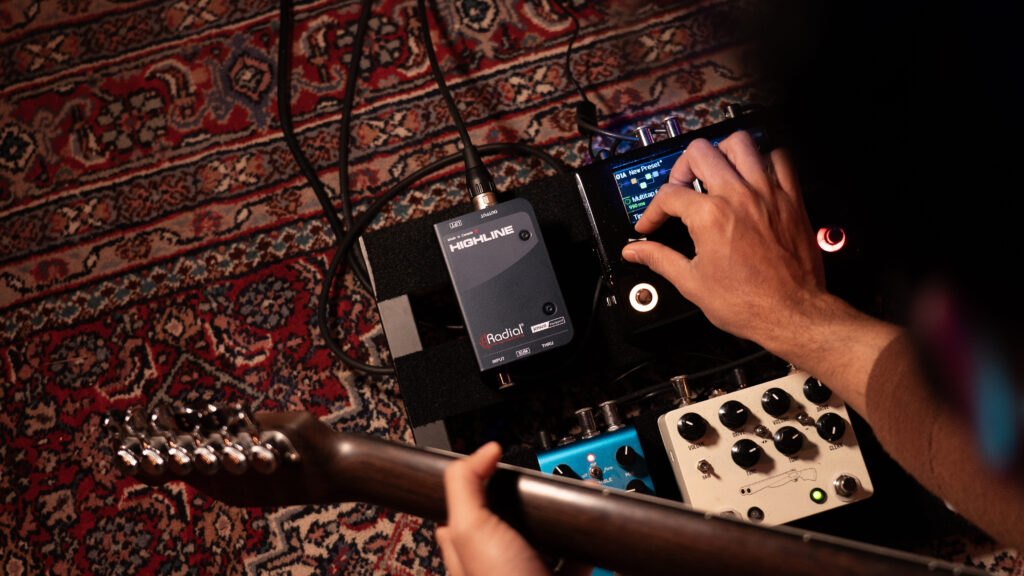
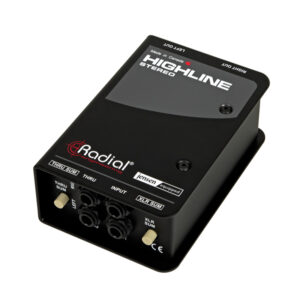
Radial’s Highline and Highline Stereo Passive Line Isolators convert an unbalanced instrument signal to a balanced, line-level signal, allowing you to connect directly to your audio interface or mixing console without noise or tone degradation, while preventing potential damage from accidentally sending phantom power back to your amp sim.
Creative Use Cases: Go Beyond Guitar
A hybrid setup paired with a Radial Reamp box provides a fluid dual-path workflow for recording and mixing any instrument, any combination of analogue/digital sources, and/or combinations of tracks.
- Reamp DI’d guitar tracks through pedals and an amp sim to capture authentic pedal-driven tones and leverage the flexibility of digital modelling for experimentation after tracking, fine-tuning effects chains, and capturing rich, layered textures.
- Run vocals, keys, or drums into guitar pedals via Reamp to create truly unique textures for blending or featuring.
- Combine plug-in and pedal tones for complex layering, blending analogue warmth, and capturing the dynamics, depth, movement, and character a real-time physical interface provides, while leveraging the precision, automation, and layering capabilities of plug-ins.
- Use Highline and Reamp together for dual-path workflows while tracking or mixing to streamline the process of capturing a DI/Reamp track, maintain signal integrity between pedals, amps, and interfaces, and ensure clean integration of analogue gear into your DAW.
Bonus Tip: More Pedals? Use the EXTC Stereo
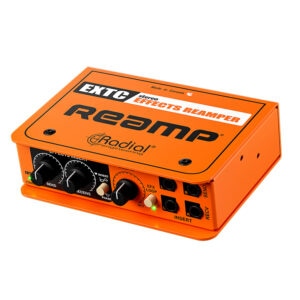
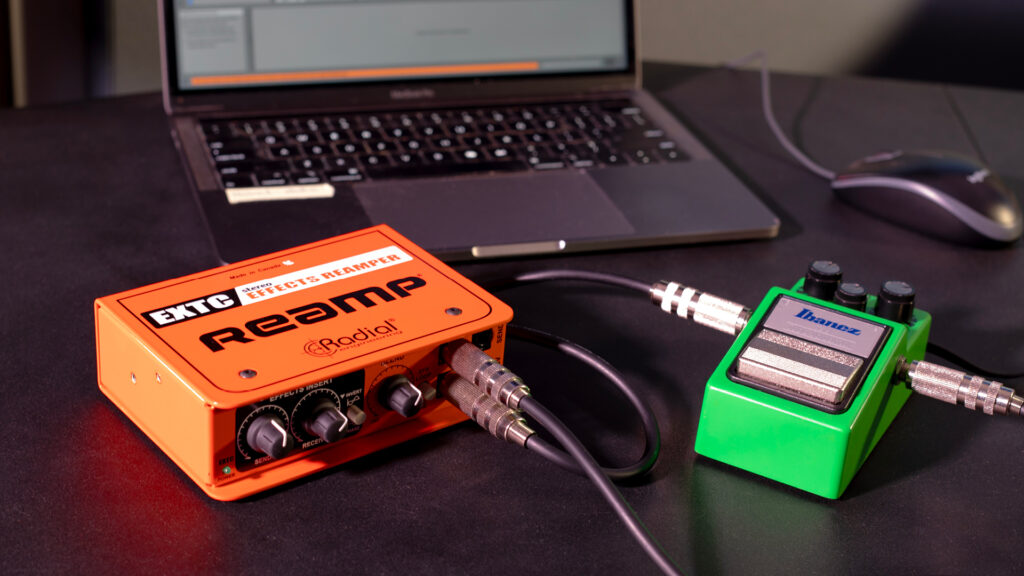
Using the EXTC Stereo to reinsert stereo pedal chains into your mix after an amp sim and across full stereo tracks allows you to use your amp sim as outboard gear on any track.
Connecting amp sim outputs to the EXTC Stereo’s effects returns also converts signals to balanced line level, which you can feed directly into your audio interface – keeping your workflow modular and your tone endlessly tweakable.
TrainTrack and TrainTrackPlus Pedalboard Mounting Brackets
At some point, every musician asks themselves: ‘Where did it go?’ or ‘Did I even bring it?’
Looking for a safe, secure, road-ready solution to keep all your bits together and accessible in any situation?
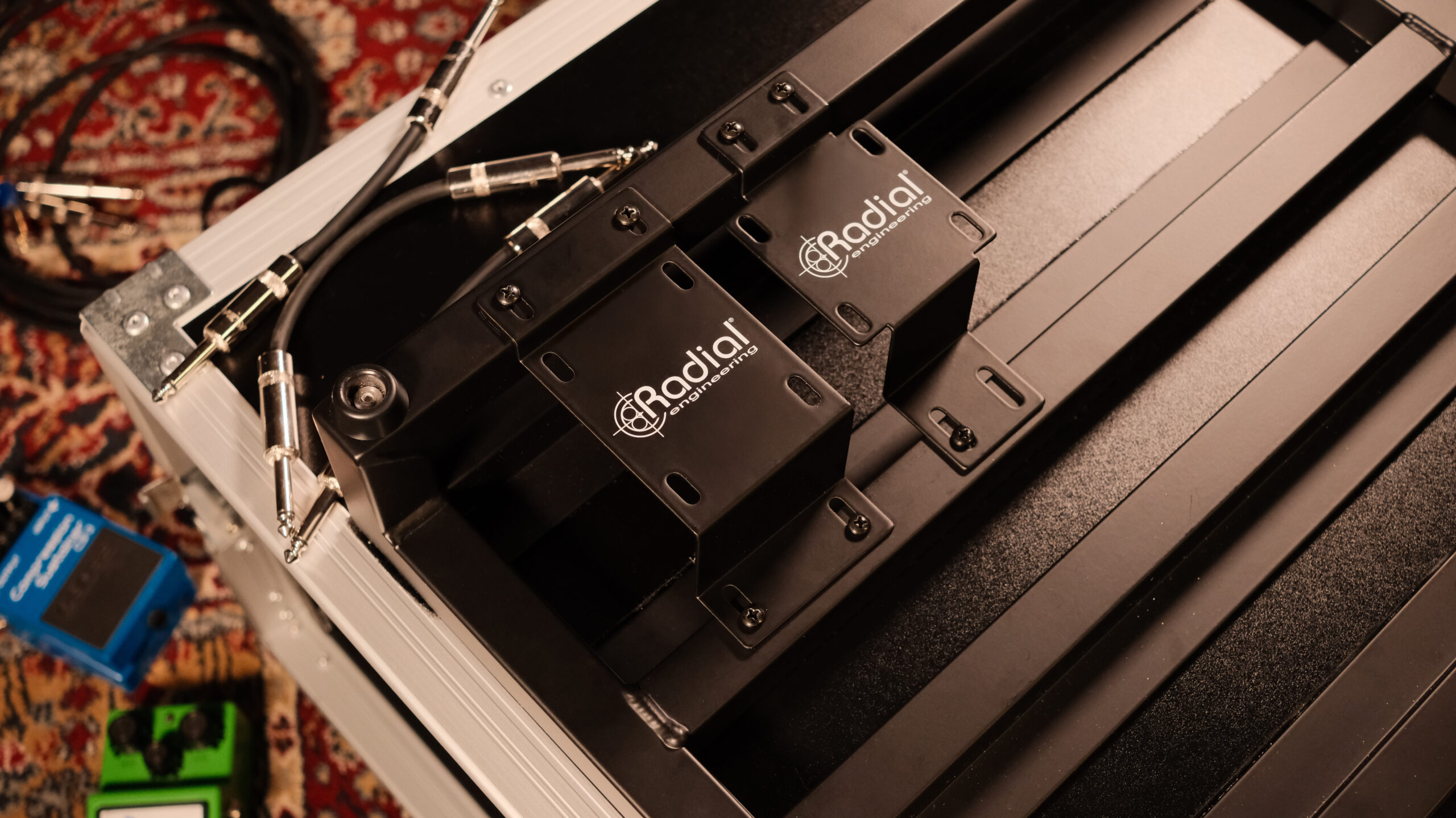
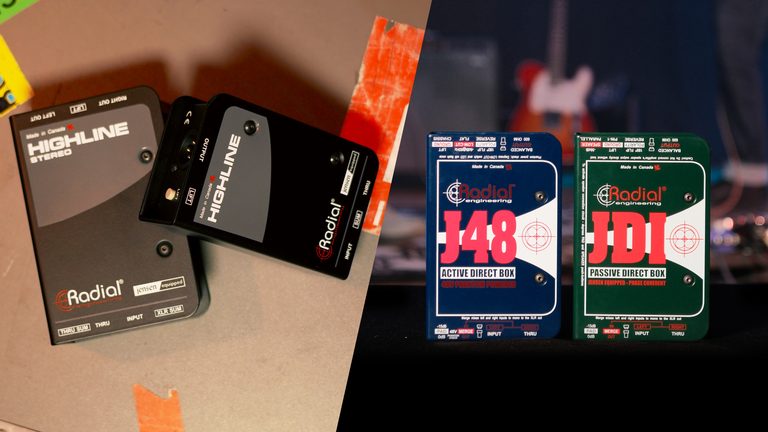
Radial’s new TrainTrack and TrainTrack Plus pedalboard mounting brackets are simple, effective tools for affixing Radial P-Class devices (ProDI, Highline) and J-Class devices (JDI, Highline Stereo) or other Radial devices with the same dimensions to the underside of a pedalboard to streamline your setup.